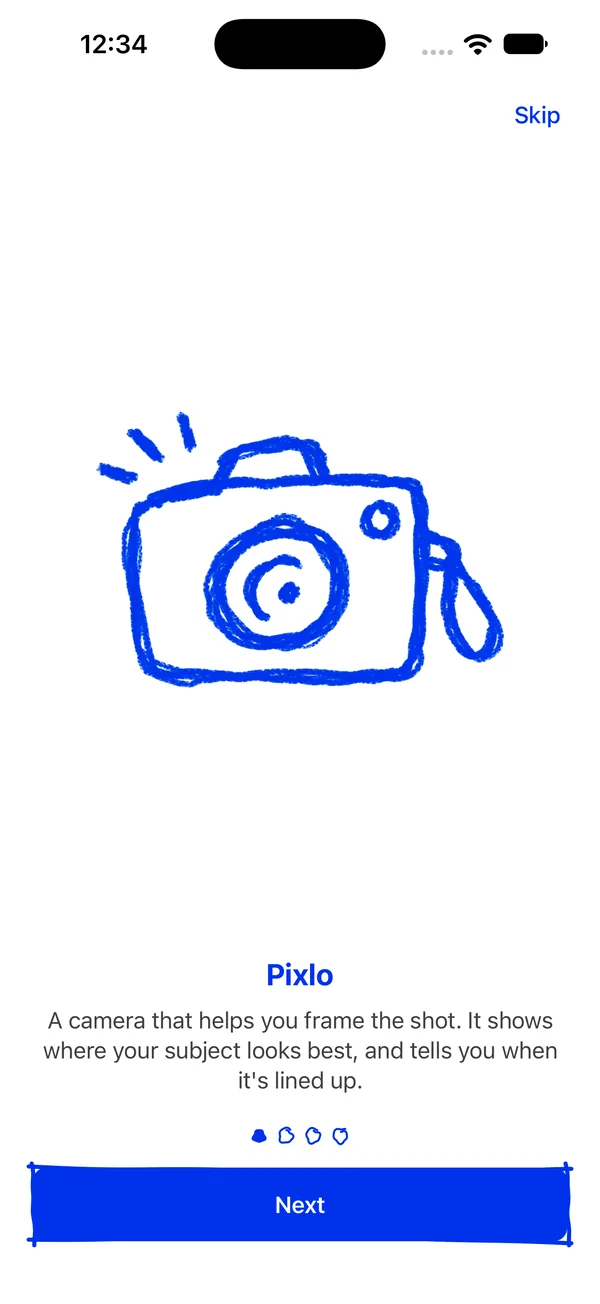
A camera that helps you frame the shot.
Pixlo shows where your subject looks best and tells you when it's lined up. You follow the arrow and shoot.
For iPhone, iOS 17 or later. Free.
Coming soon to the App Store.
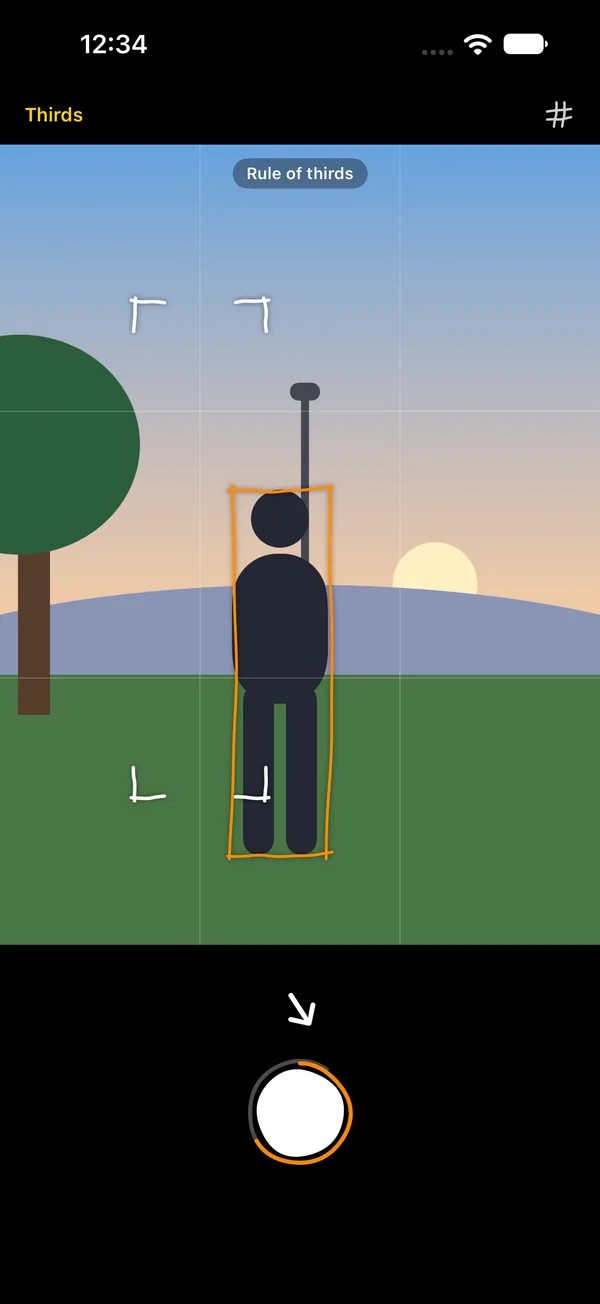
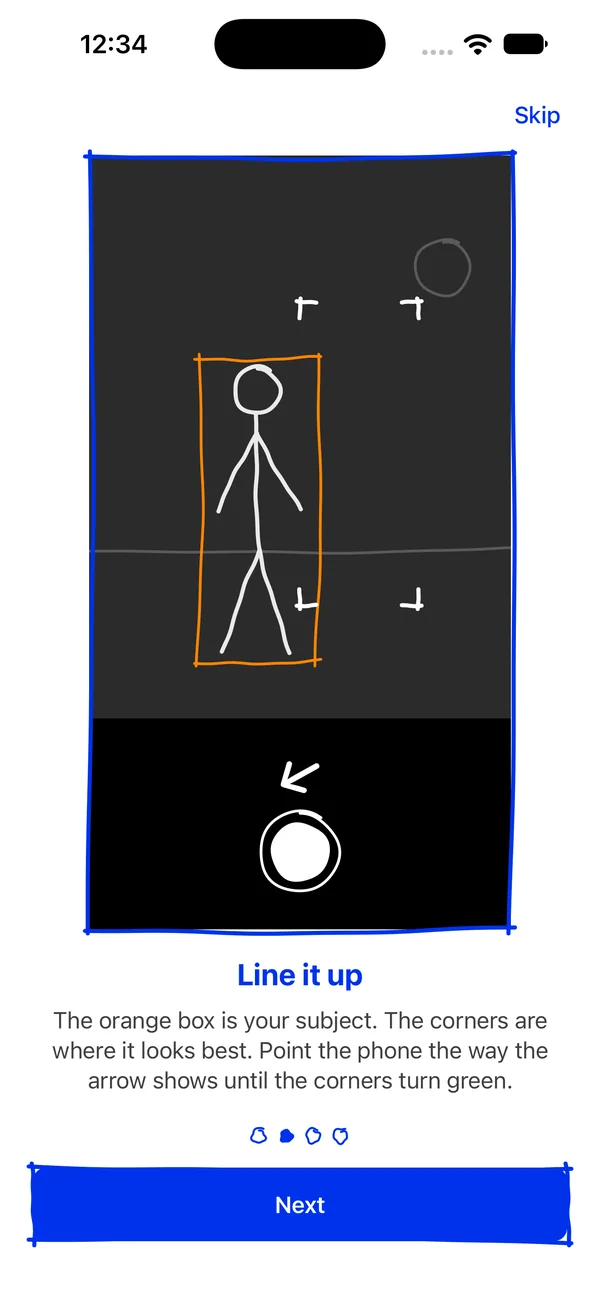
- 1Your subject, in the orange box.
- 2Where it looks best: the white corners.
- 3Which way to point the phone to get it there.
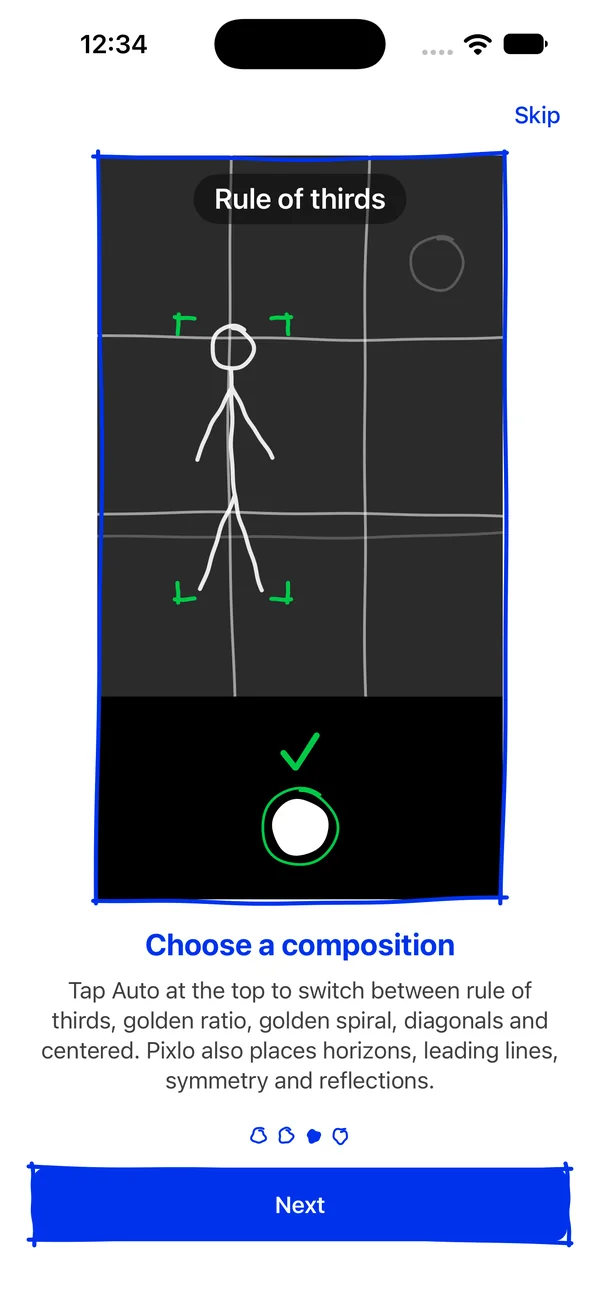
- 4The rule Pixlo is following.
How it works
Three steps, and the last one is a tap
-
Point at something
Pixlo finds your subject: a person, a group, or whatever stands out. It gets an orange box.
-
Follow the arrow
White corners show where the subject looks best. The arrow says which way to point the phone.
-
Shoot on green
When the corners and the shutter turn green, the shot is lined up. Take it.
Compositions
The rules photographers use, drawn on your screen
Pick one, or leave it on Auto and Pixlo takes whichever is nearest.
Auto
The shortest move to a good frame.
Rule of thirds
The subject on a third line.
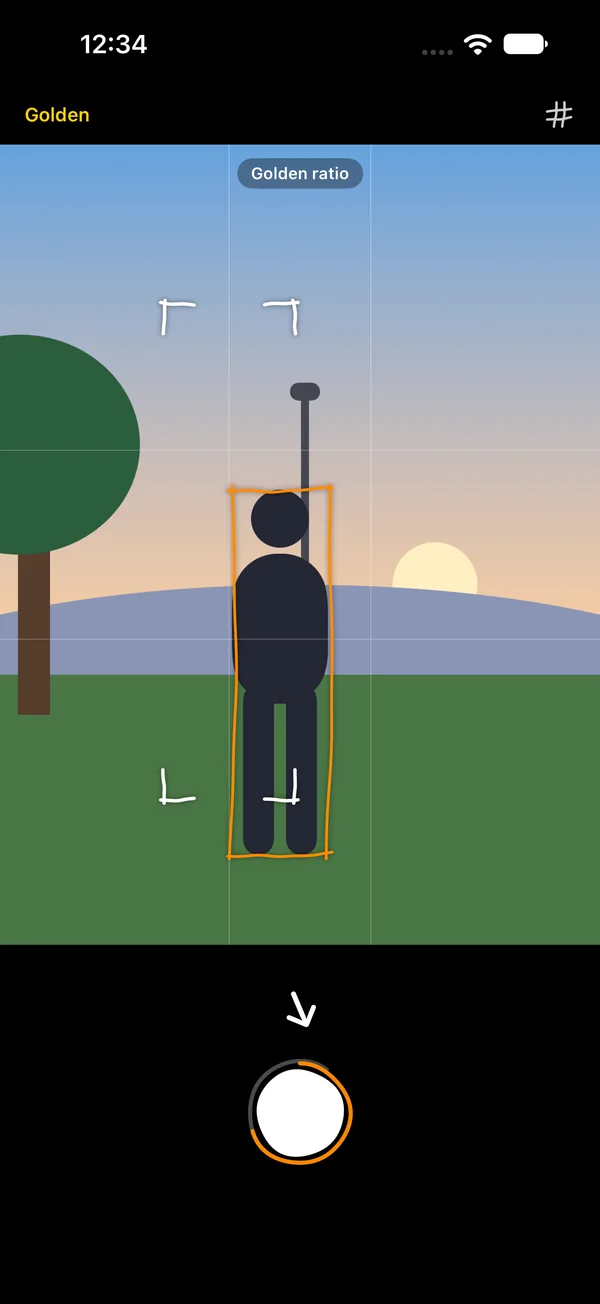
Golden ratio
A little nearer the middle.
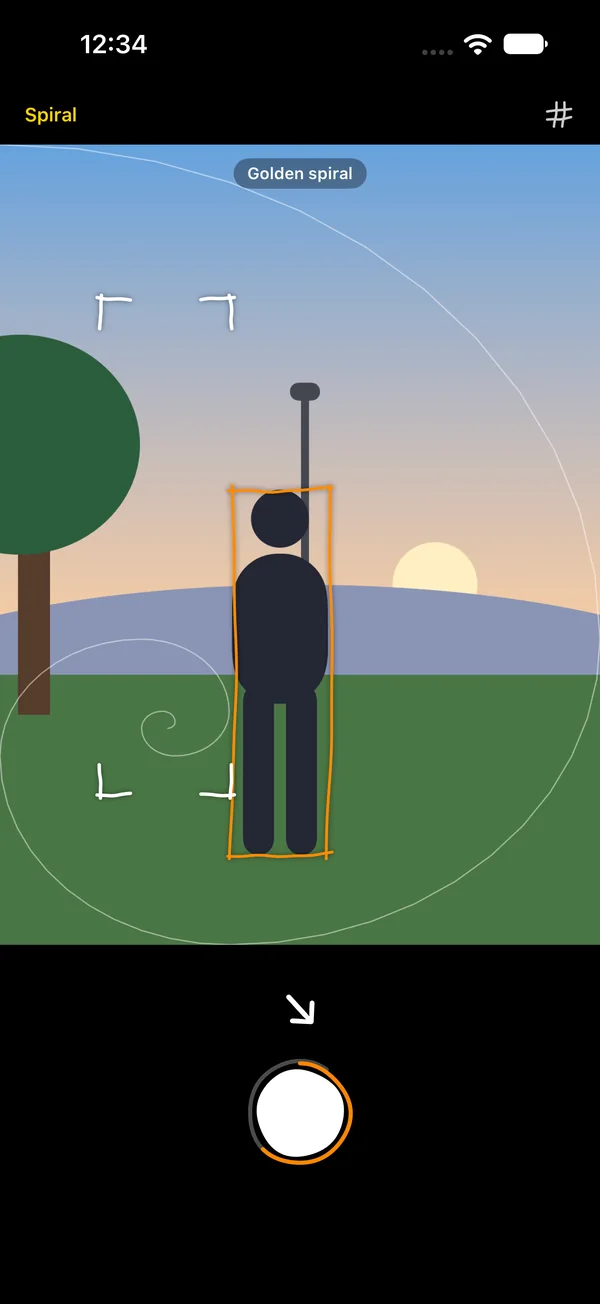
Golden spiral
The subject where it winds in.
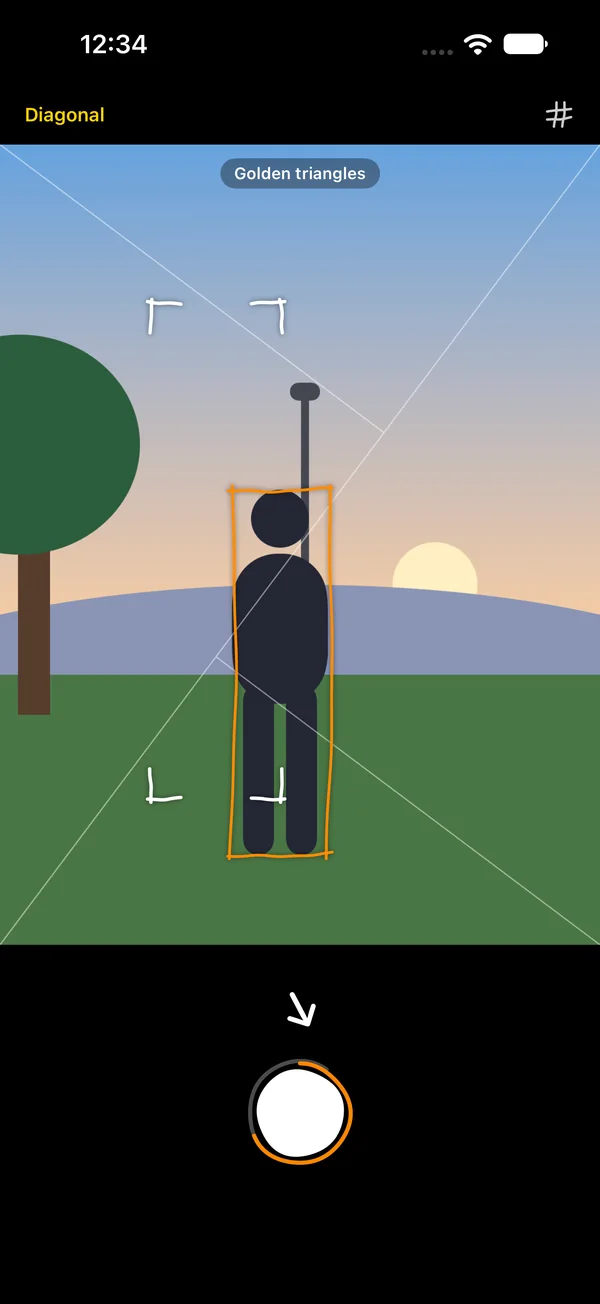
Golden triangles
Along the frame's diagonal.
Centered
Dead center, on purpose.
It reads the scene too
With no person in view, Pixlo places what the scene itself offers.
Horizon
On a third, never cutting the frame in half.
Vanishing point
Where rails, roads and piers run together.
Symmetry
The mirror line, in the middle.
Reflection
The waterline between a scene and its double.
Frame within a frame
A view through a window or a doorway.
Circular
A wheel, a round window, a cup from above.
The photo
Full quality, saved untouched
- Up to 48 megapixels on iPhones that have them, and smaller, cleaner photos when the light is low.
- The iPhone's own photo processing, saved as HEIF exactly as the camera made it.
- The whole 4:3 frame on screen, so what you framed is what you get.
- Tap to focus, the zoom levels your iPhone has, and the front camera.
- A level line, and a guide that works with the phone held sideways.
Privacy
Your photos stay yours
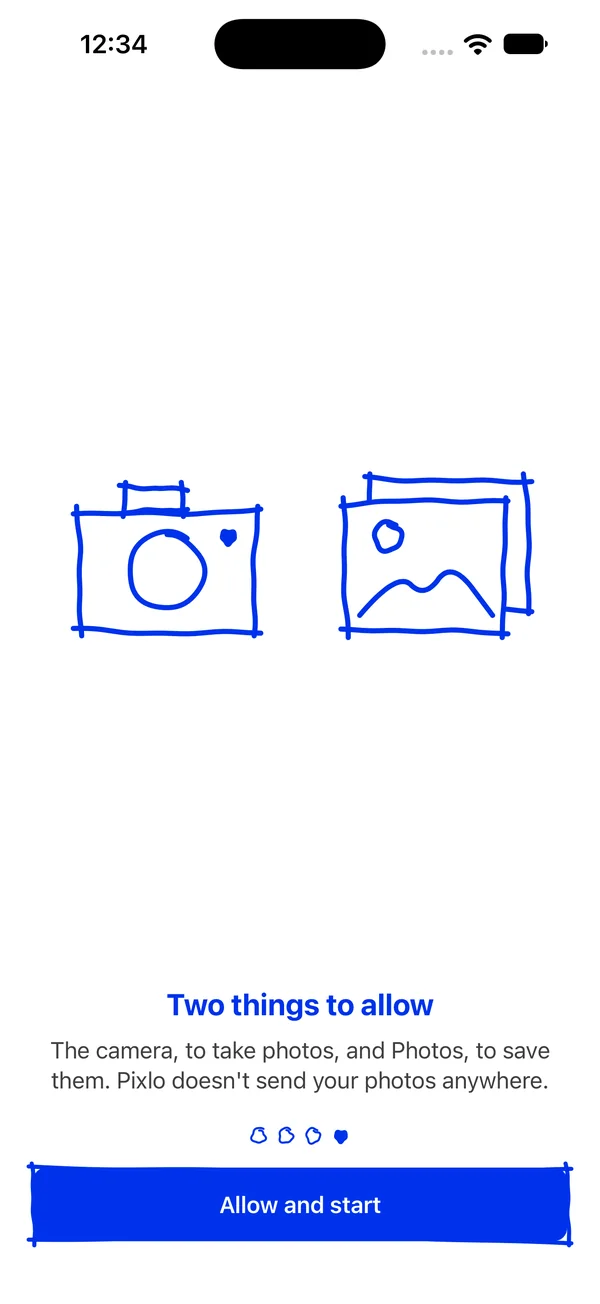
Everything Pixlo does happens on your iPhone. There's no account, no ads and no tracking, and Pixlo doesn't send your photos anywhere.
First launch
Explained in four drawings
The first time you open Pixlo, it shows you how it works. Then it gets out of the way.
Frame it better, starting with the next photo
For iPhone, iOS 17 or later. Free. Coming soon to the App Store.